
Screen Definitions:
Inventory--> Item categories
- It is a Data Setup/Master Data Screen
- Used for adding Item/Product Categories
- Item/Products come under the Categories defined here.
Step By Step Guide:
Before you start creating any document (like PO, Invoice, Quotations, etc) you first need to set up the different items/products your business would be using.
These items that are set up here are references throughout the application. Before you buy or sell anything, you need to setup up the item/product first.
Adding of Items/Products is a 2 step process.
- Check if the required category under which this product should come under is already present. If not, then create a new category
- Create a new item/product under the required category.
Adding Categories
If the required Category/Master item, is not available when adding new products, create a new Item Category following the steps given below.
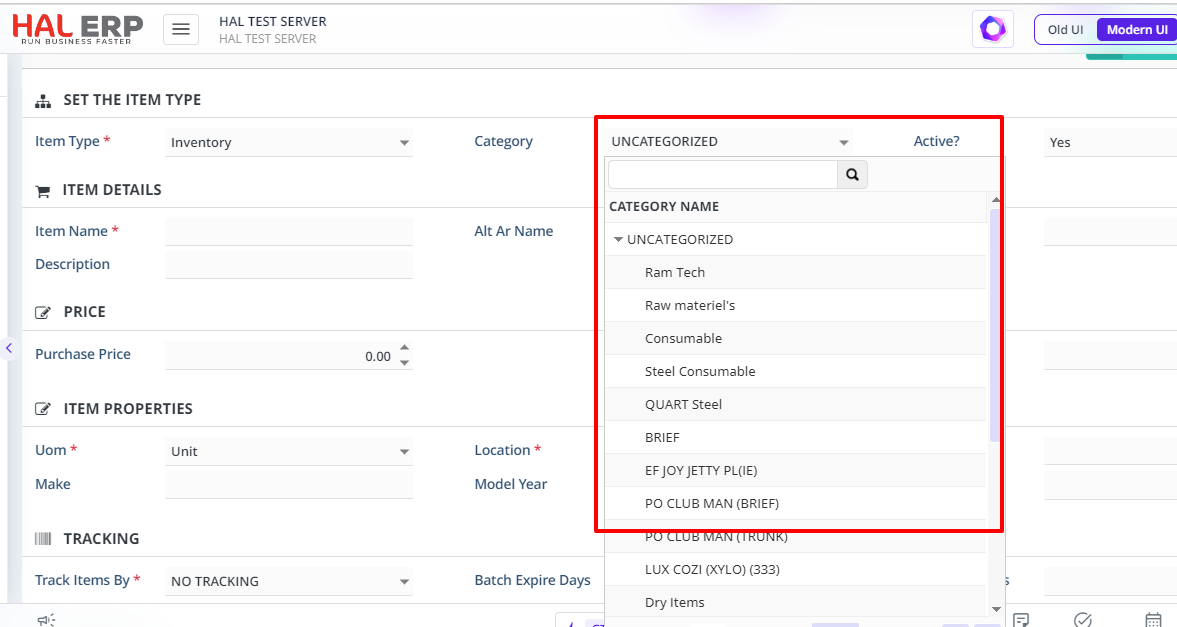
How to create a new Item Category?
Go to Inventory—>Item category
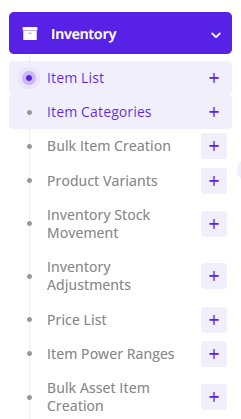 Click on Add, A new Item Category will be added
The newly created Item Category will now be available in Item Management Screen in the Category dropdown box for creating a new item.
Below are ledger impacts for Item and Asset Categories
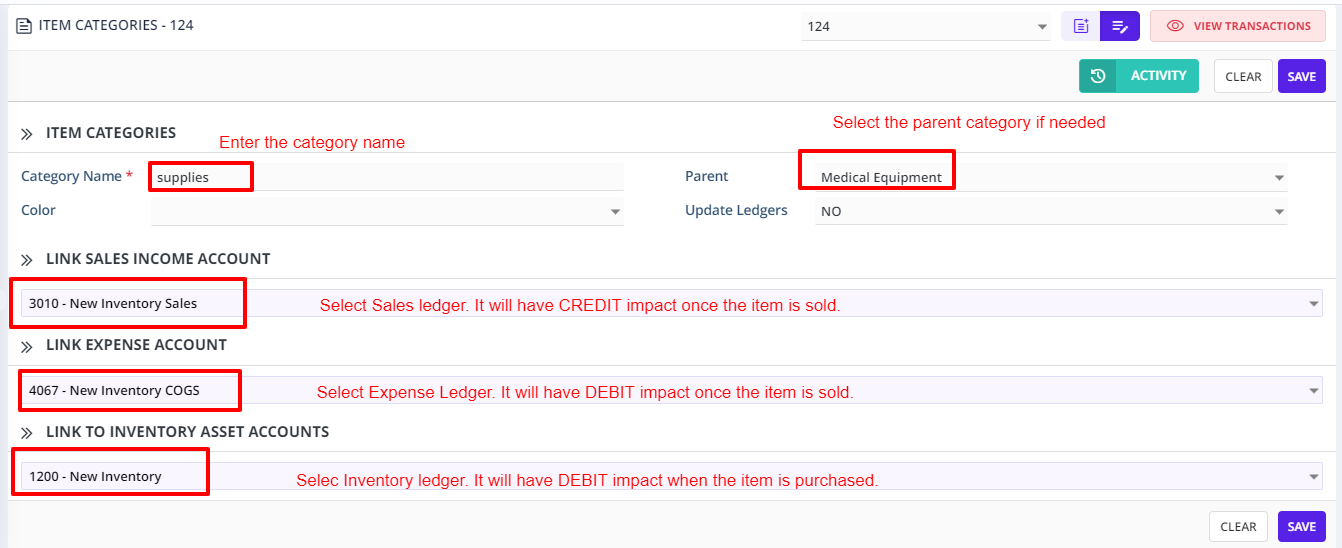
Note: For Accumulated Depreciation, in the backend one ledger will be linked for all assets