
++1. Register on ReachApp++:
Visit https://www.halsimplify.com/solutions/reach-app/
Click on “GET IT FREE” button
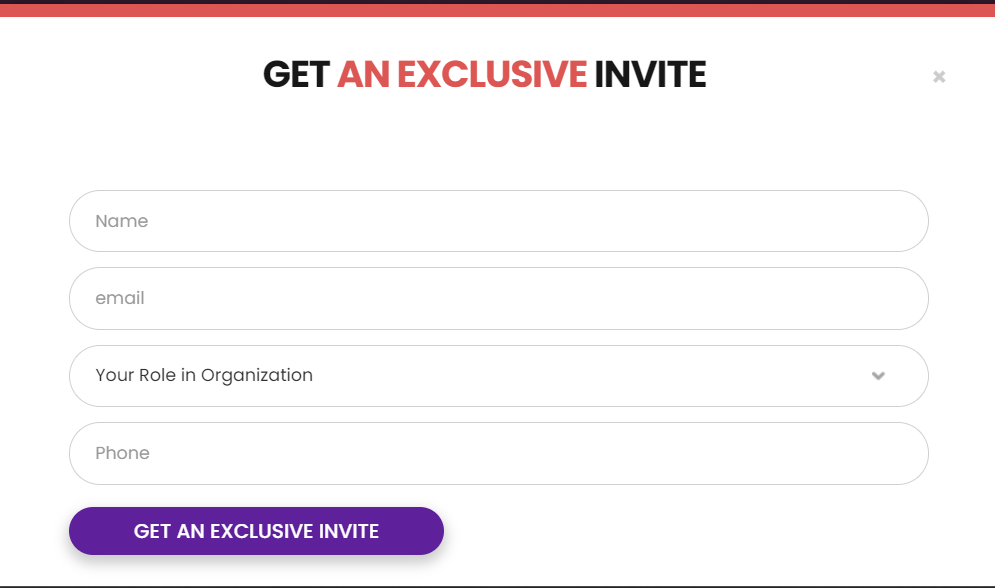
Enter Name, Email, Role & Mobile, then click on “GET AN EXCLUSIVE INVITE”.
**++2. Email Verification++ **
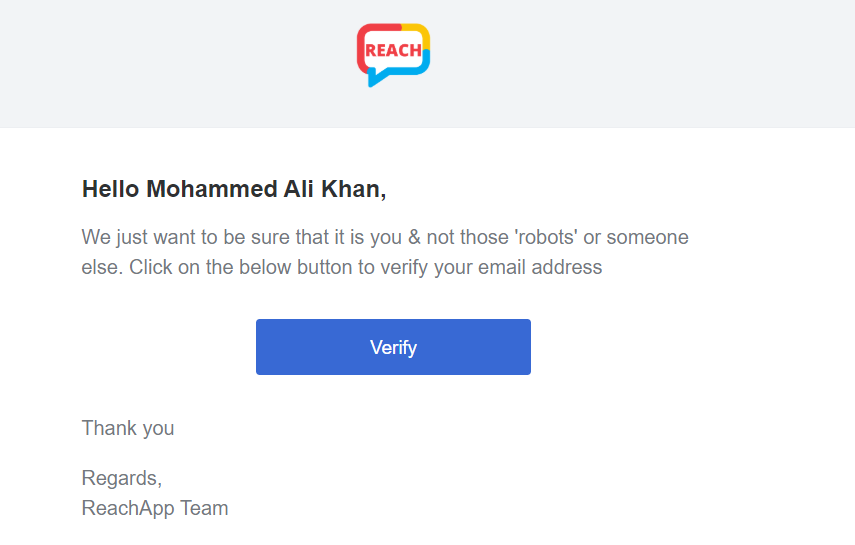
A verification link will be sent on Entered email. Login to entered email & click on “VERIFY”
**++3. Domain Setup++ **
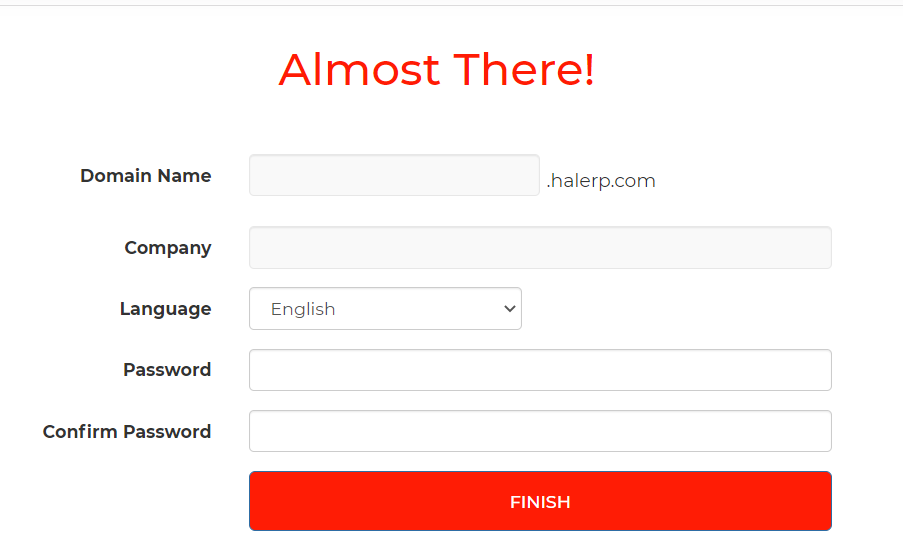
Enter Domain Name which is a workspace name. It is usually a company Name. You will enter when you use new devices.
Enter password & confirm it. Click on “FINISH”.
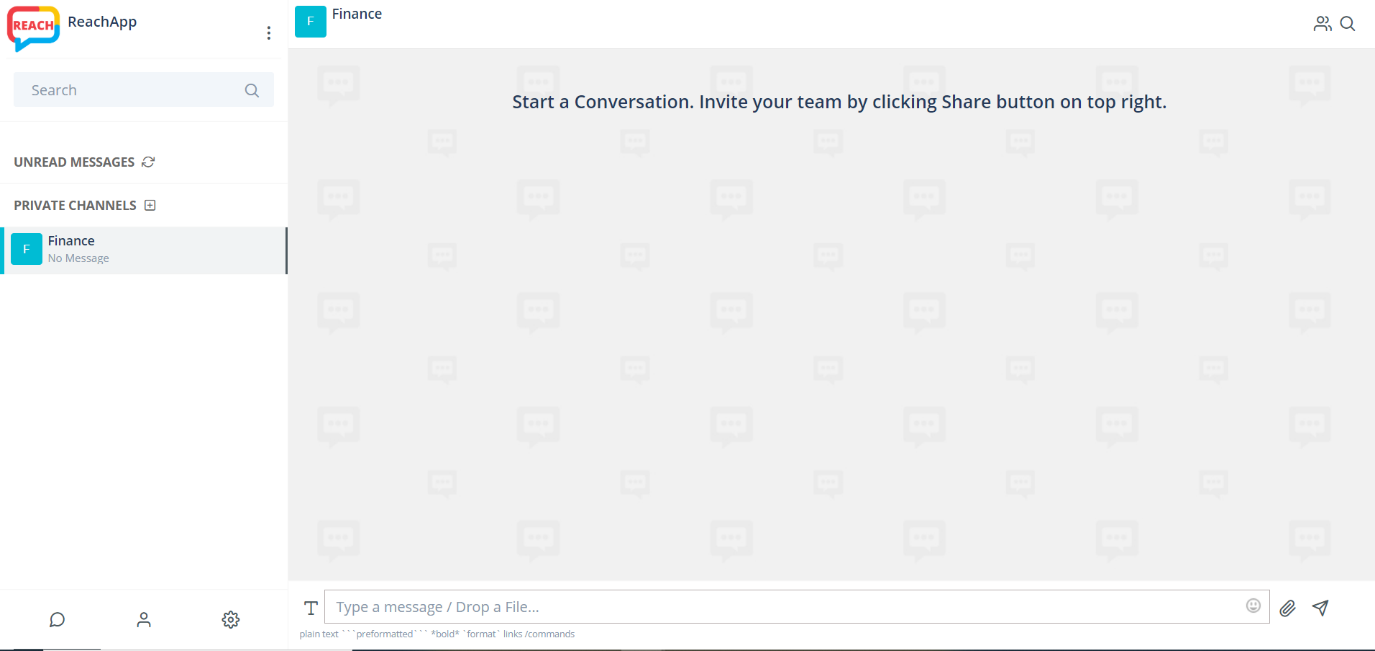
System will setup REACHAPP for your Company DOMAIN in few seconds and you will see below image instantly
After setup, it will re-direct to your REACHAPP WEB PORTAL
That's it. You are done. See how you can invite & onboard your team in this article