
The Loan Management module is used to create and manage Employee Loans.
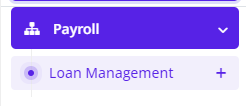
To create a new Employee Loan, Go to, Payroll>> Loan Management>>Create New
Enter the details of the loan as given in the screenshot below and click ADD to create the loan.
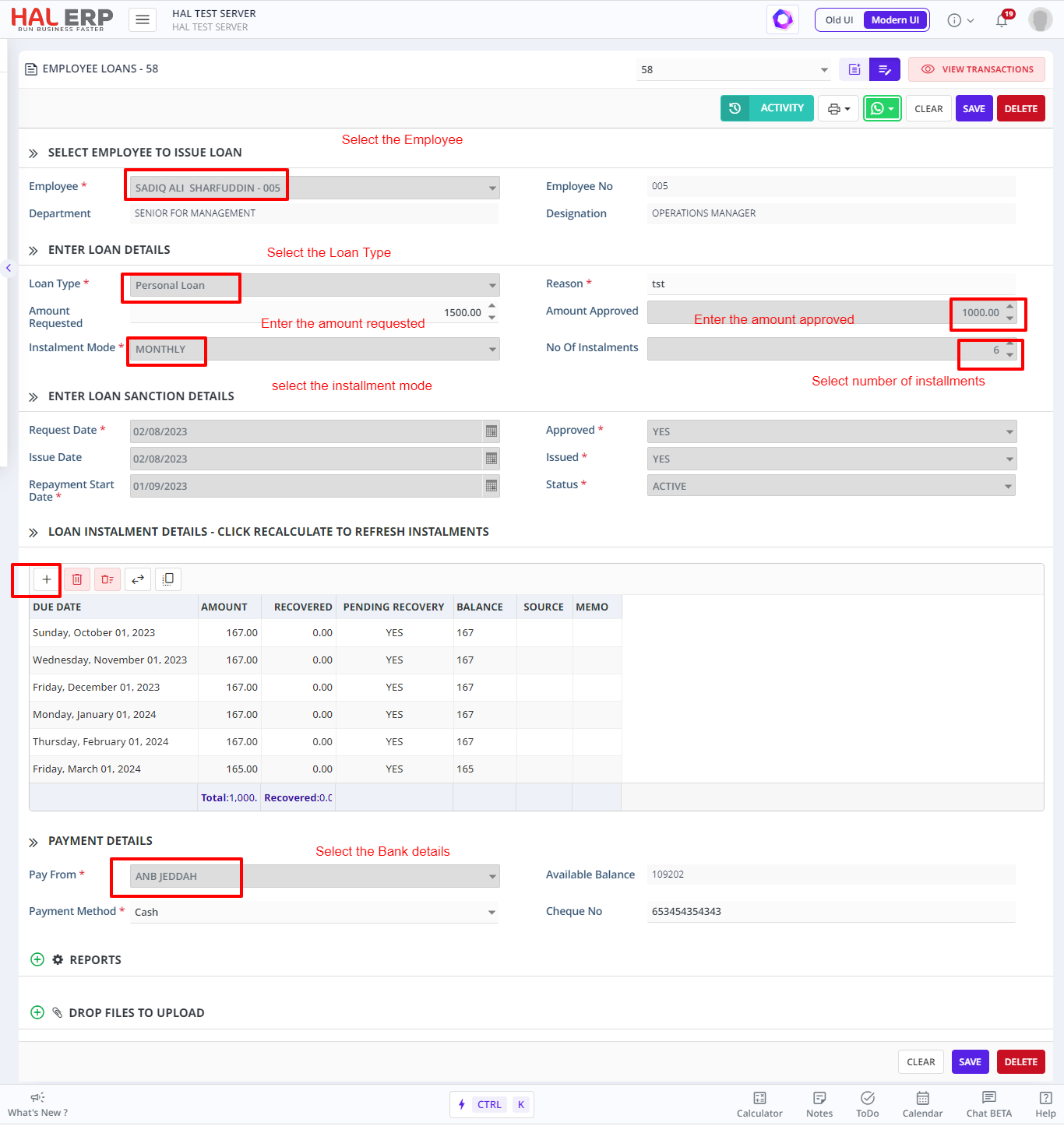
Note:
1. Approved Loans cannot be edited by the user apart from the editing of installment dates/amounts(which should tally with the total loan amount ) in the grid