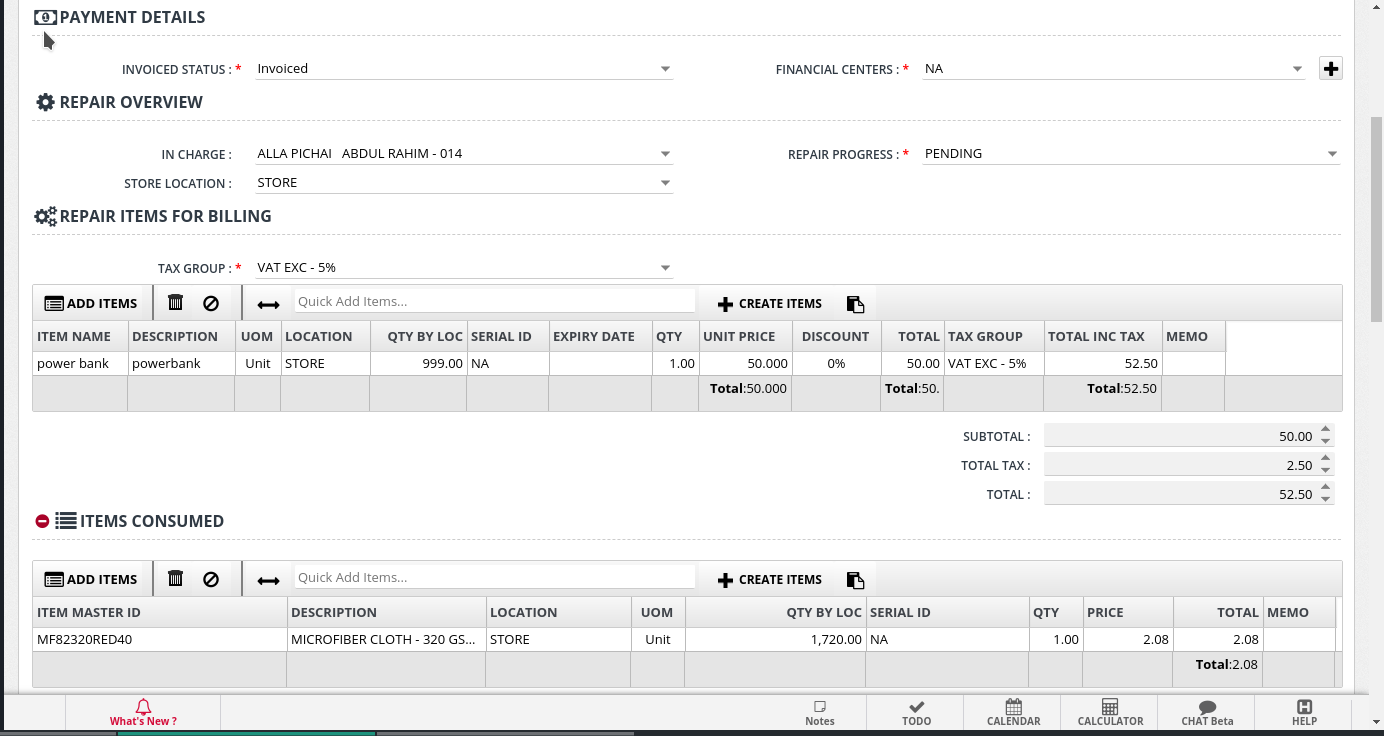
The Repair Order Life Cycle involves the following,
- Item is Purchased
- Item is Sold
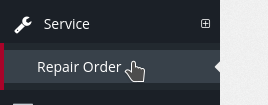
- If the item is to be Serviced, open Service -> Repair Order,
- Select The Transaction Type (Invoice/Sales Receipt) that was used the Sell the Item and Select required Transaction
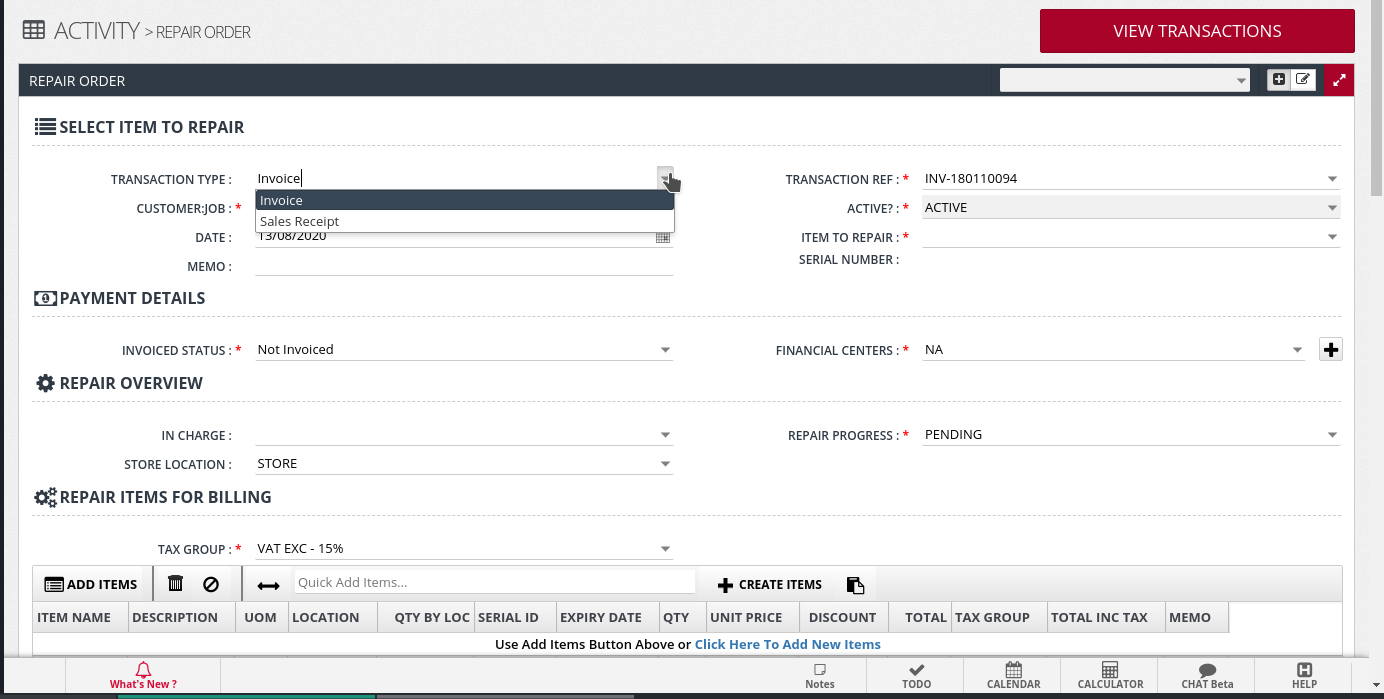 .
- Now, Select the Item To Repair,
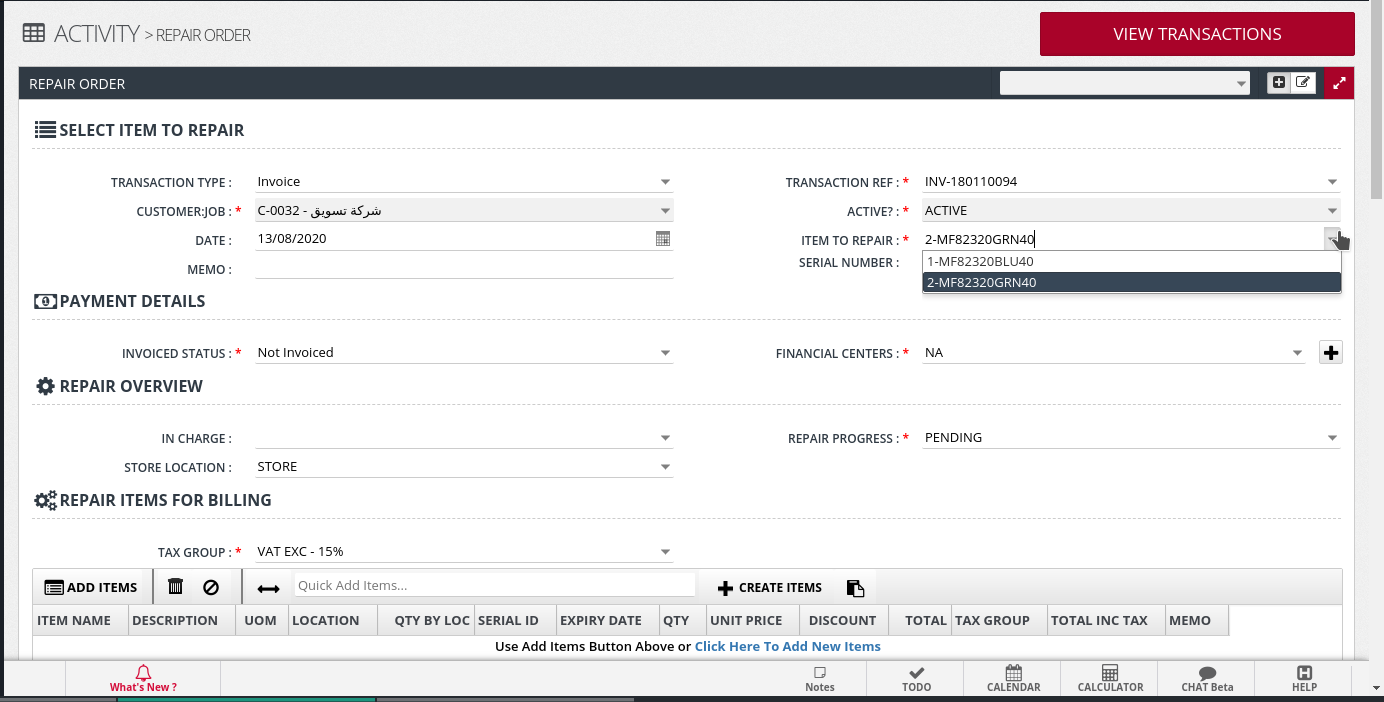
- Now, Select the Item To Repair,
- Now, Enter the required details for the three sections related to the repair of the item (See below for example)
- Enter the details for the Repair in Repair Overview
- In the Repair Items for billing, section add whatever materials that you will be charging the customer for. Else leave this section blank. Inventory Movement will happen here.
- In the Items Consumed section, add whatever is consumed. This will not be shown to the customer. However, Inventory movement of Consumables will happen here.