
How to mark attendance for the employees?
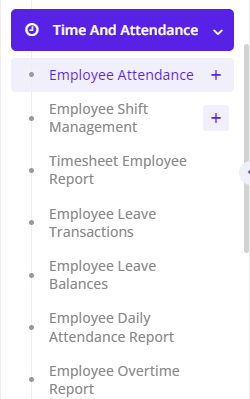
To mark attendance for employees,Select Time and Attendance --> Employee Attendance-->Create New
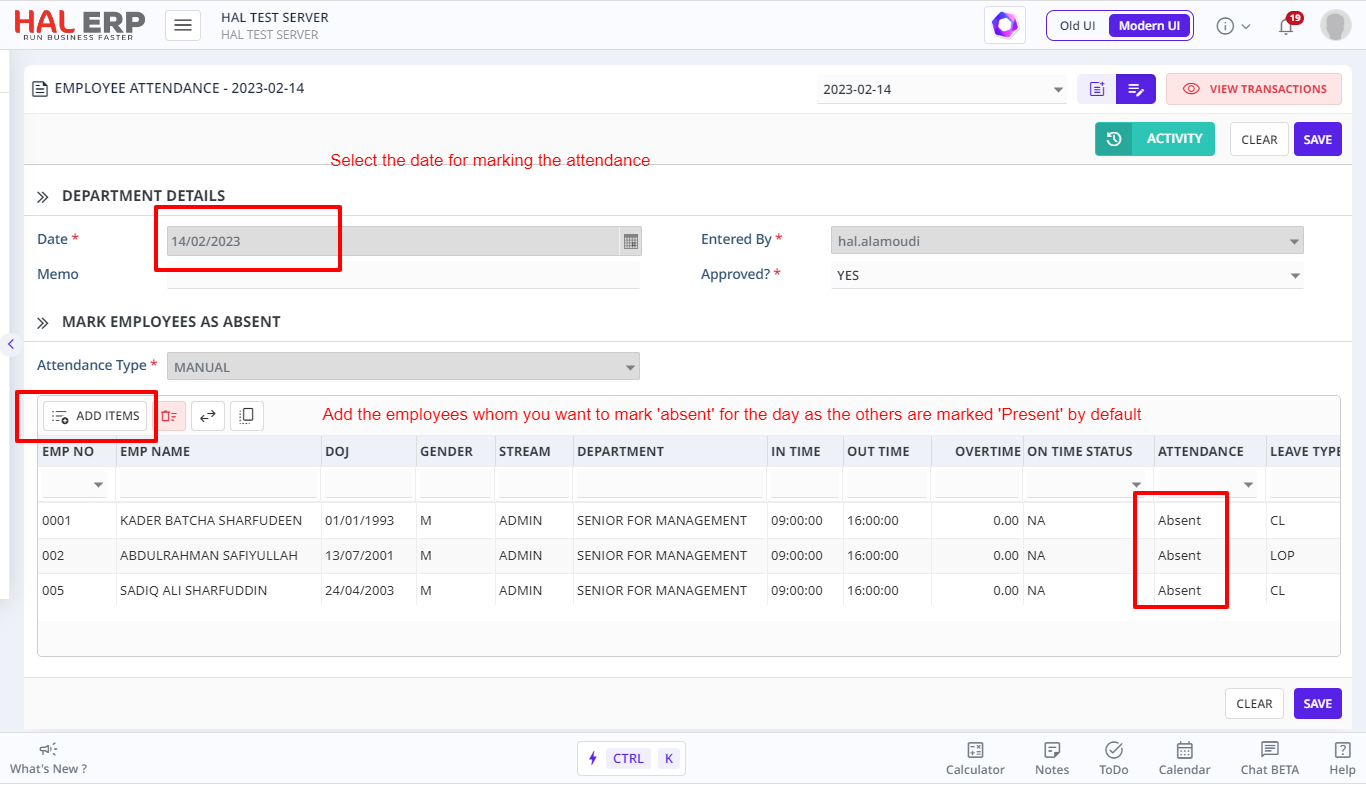
- The attendance is marked as 'Present' by default based on the shift assigned to the employee, for all active Employees.
- Search and mark employees who are absent.
- Click on ADD to create the Attendance of employees for a particular date.