
What is Vendor Advance?
Any payment made to Vendor prior receiving goods or services as part of contractual terms or understanding is termed as Vendor Advance.
To create a vendor Advance do the following:
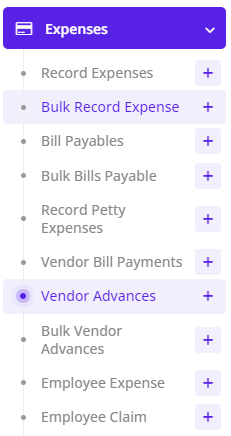
Go to Menu -> Vendor Advance -> Create New
1. Vendor Name: Select Appropriate Vendor
2. Pay From : Select Pay From i.e., Respective Bank which will be CREDITED.
3. Amount: Enter Amount which will be paid.
4. Charges: Enter Bank charges Inclusive of VAT.
5. Date: Select appropriate date i.e., date of payment and also the same date, ledgers will be impacted.
6. Advance Type:
a. Advance: If Advance is being to Vendor. In this DR = Vendor Advance Ledger linked to Module & CR = Pay From selected ledger
b. Debit: If Debit Note is to be issued to vendor. In this DR = Vendor Advance Ledger linked to Module & CR = Pay From selected ledger
c. Payment: It will be treated as a Advance Payment but directly reducing Payables. In this DR = Accounts Payable Ledger linked to Module or Vendor & CR = Pay From selected ledger
7. Memo: Enter any narration
8. Click Add or Save
Only Approved = Yes transactions will impact ledgers.
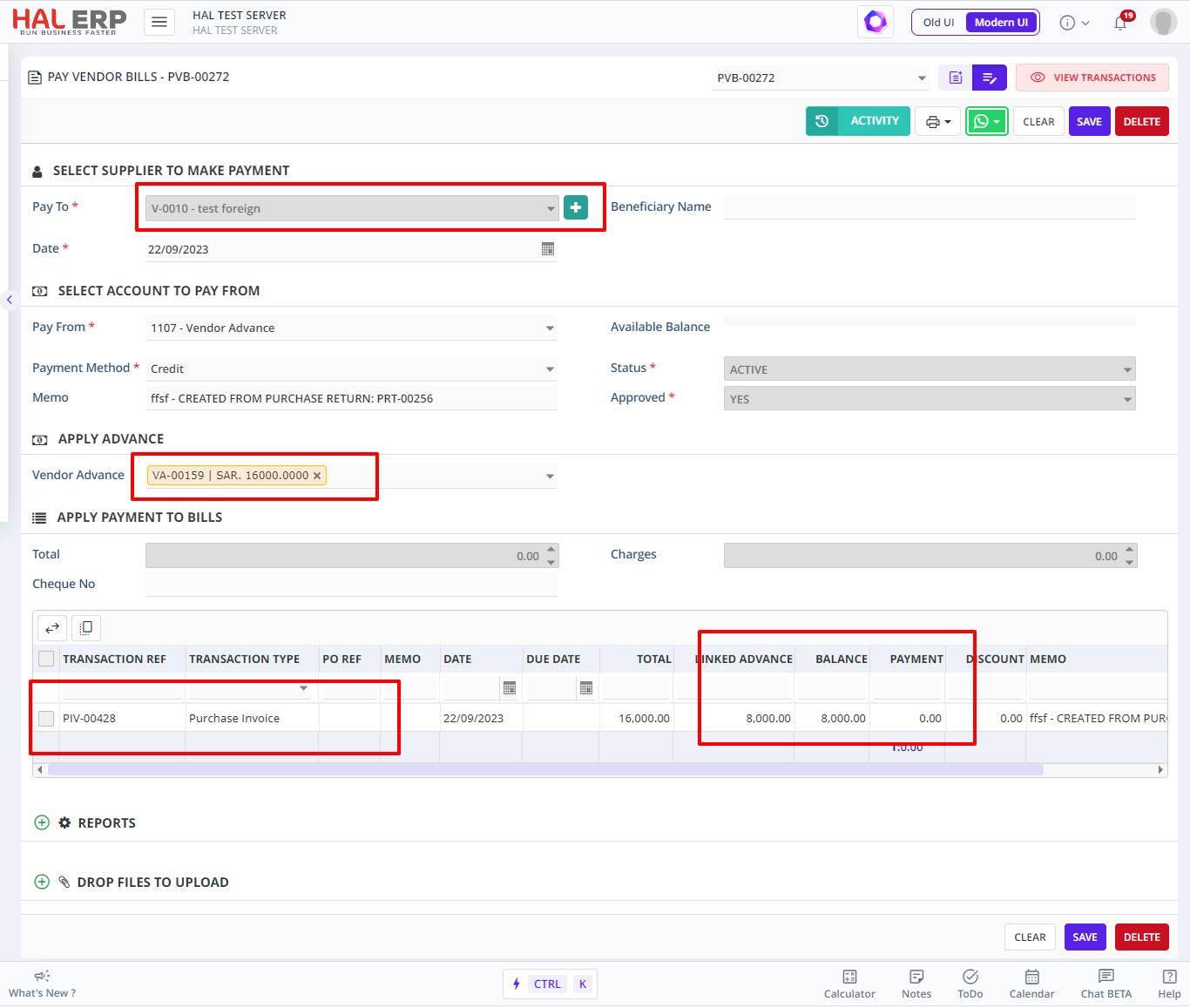
Note: All the three types of Advances (Advance, Debit & Payment) should be settled later once Purchase Invoice is created.