Cases When Fee Goes Wrong
In this article, we will be discussing as what to do if some mistake or confusion occurs in the process of Fee Payment.
NEW ADMISSION
The possible case when New Admission goes wrong are as follows.
1. Linking To Wrong Sibling
When a student is linked to a wrong sibling, the child code changes and hence the fee would be shown with respect to wrong child code.
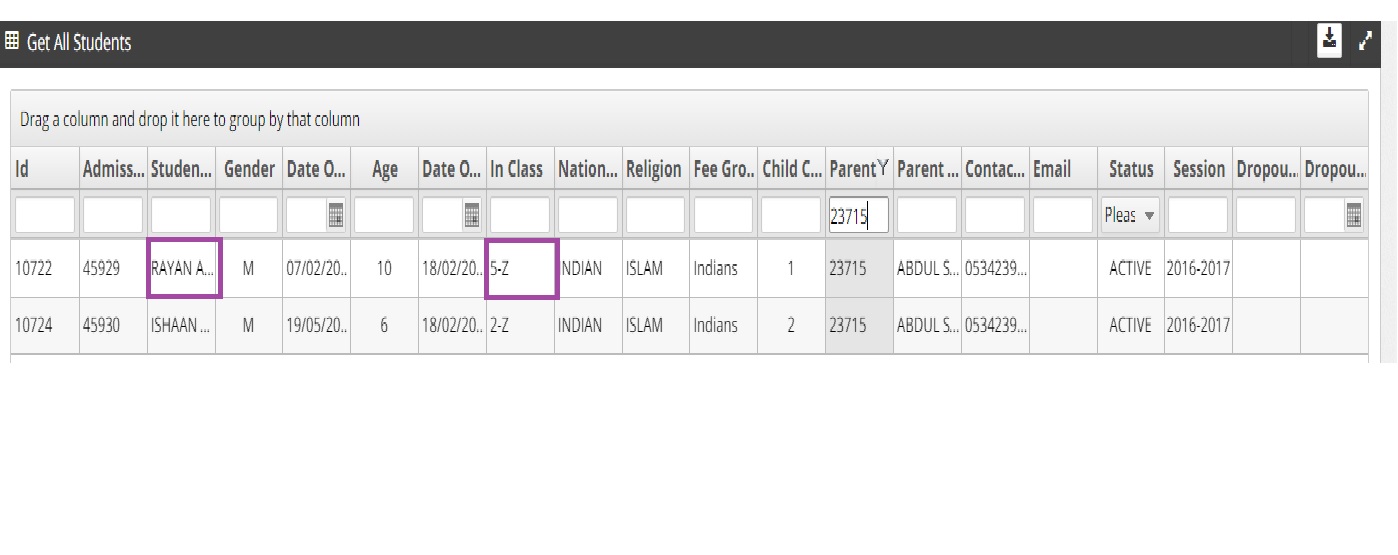
Let us consider an example shown in the image below. Student Name is Rayan and his sibling name is Ishaan who has the same Parent Id.
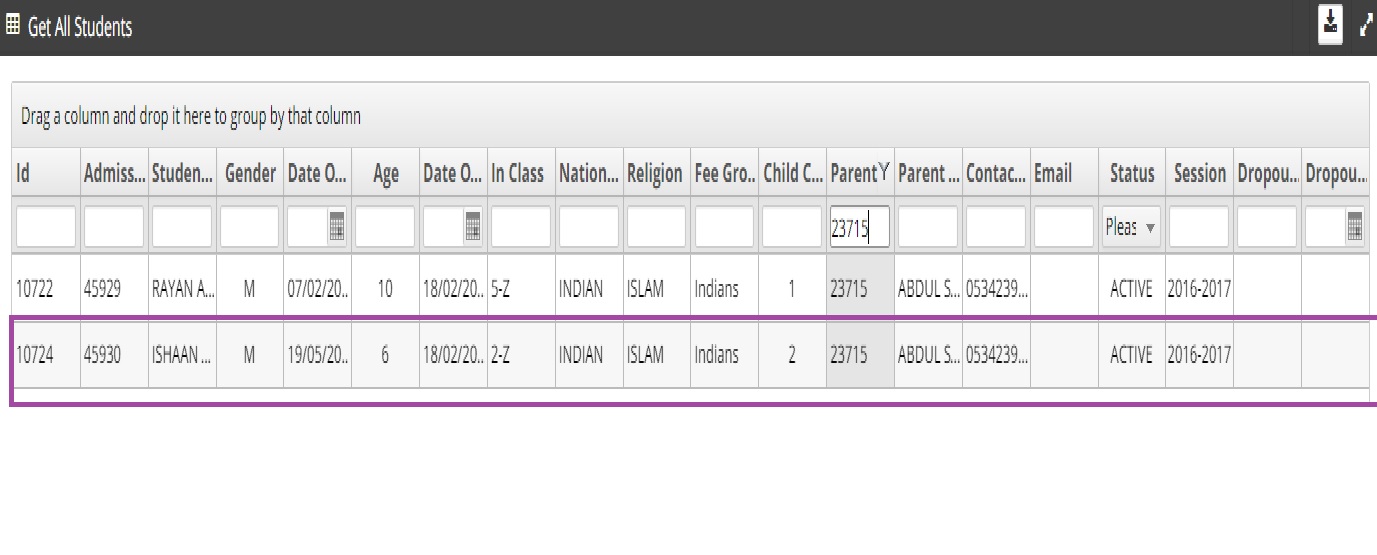
Here if the wrong sibling is selected i.e., as Sumaya in Student Registration Screen, the child code of Rayan changes to 3 as Sumaya's child code is 2. Now the fee related to the child code 3 will only be displayed for Rayan which is wrong.
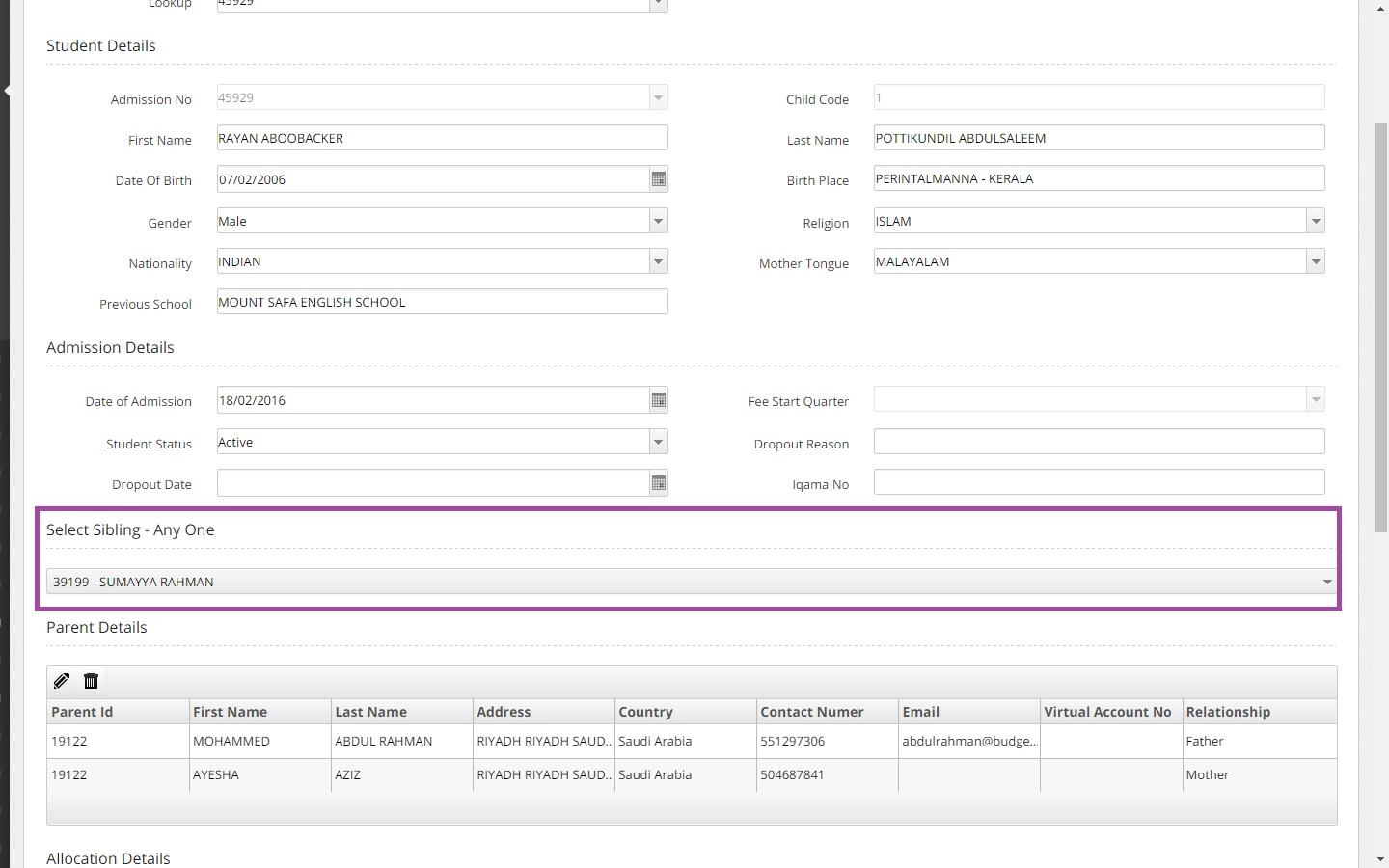
It is recommended to select the correct sibling while Student Registration to avoid confusion and incorrect fee amount collection.
2. Selecting Wrong Fee Group
Selecting wrong Fee Group for a student while Student Registration would also cause confusion.
Considering the same example of the student Rayan, his Fee Group should be Indian as in the screenshot below.
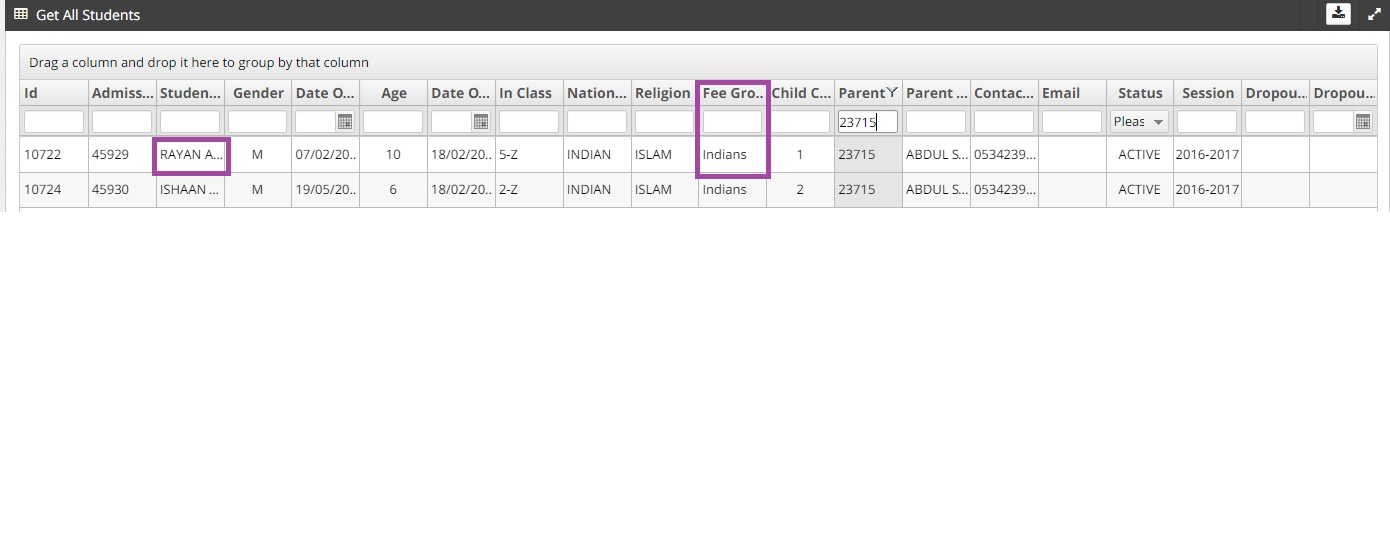
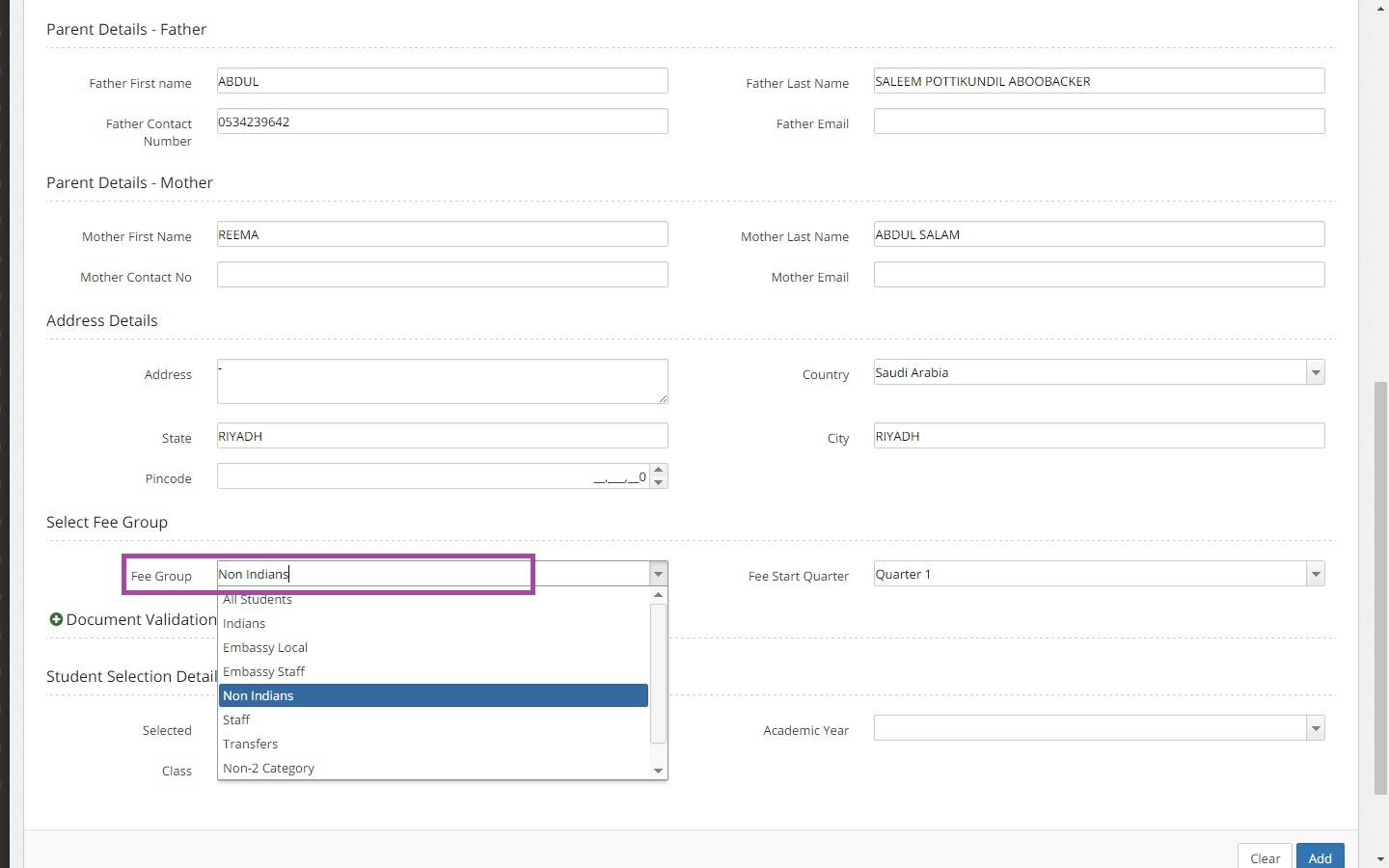
But if Rayan's Fee Group is selected as Non-Indians by mistake as in the image below, this will show the wrong fee for Rayan in Fee Payment Screen.
3. Selecting Wrong Class
Selecting wrong class would affect the Fee amount due for a student.
For Example Rayan is in class 5-Z
If Rayan's class is selected as LKG in Student Registration as shown below, the fee amount will change which would be wrong amount for this student. 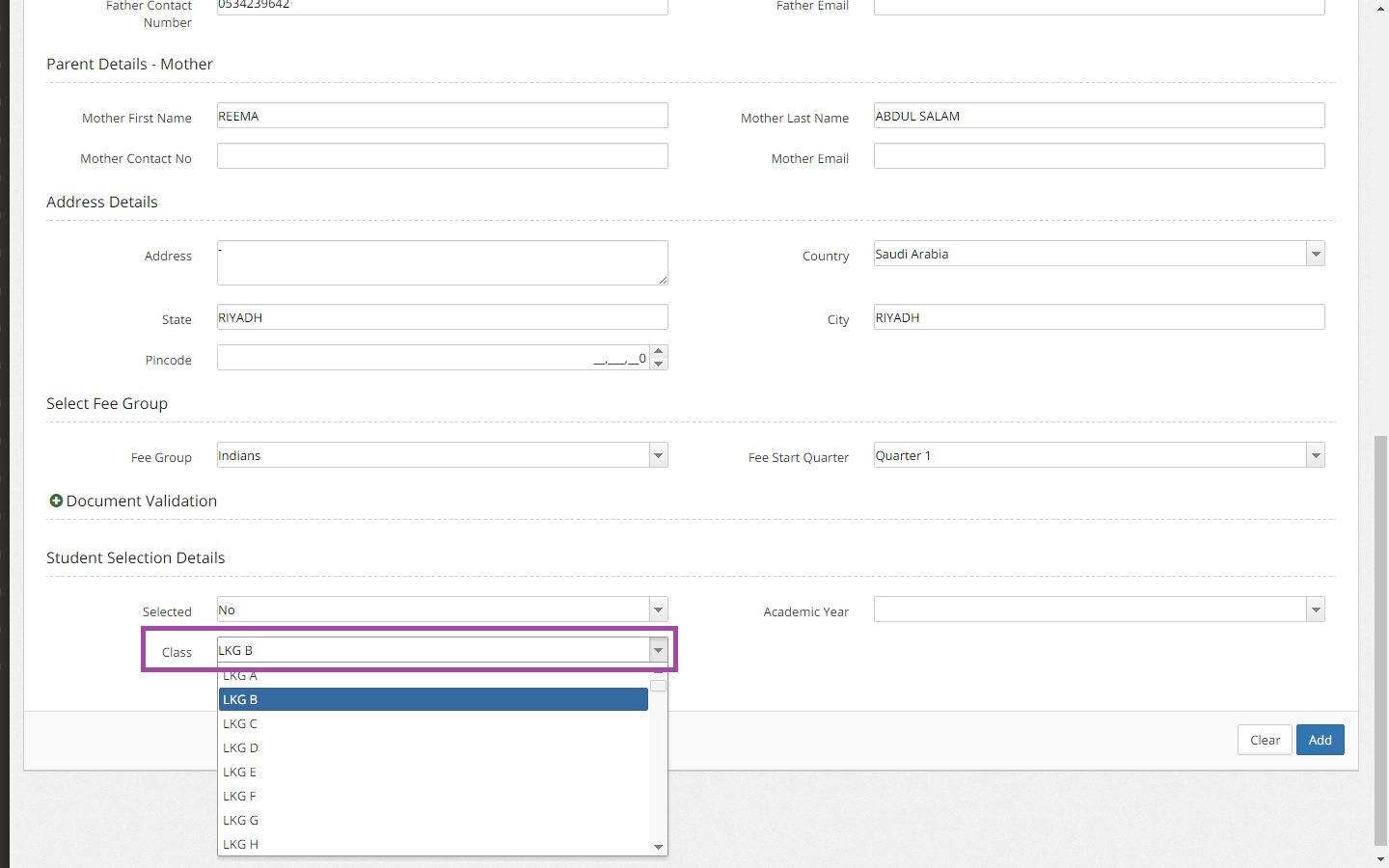
Hence it is highly recommended to pay attention while entering the details of the student in Student Registration screen.
CHILD CODE CHANGES
WHEN TC ISSUED TO A SIBLING
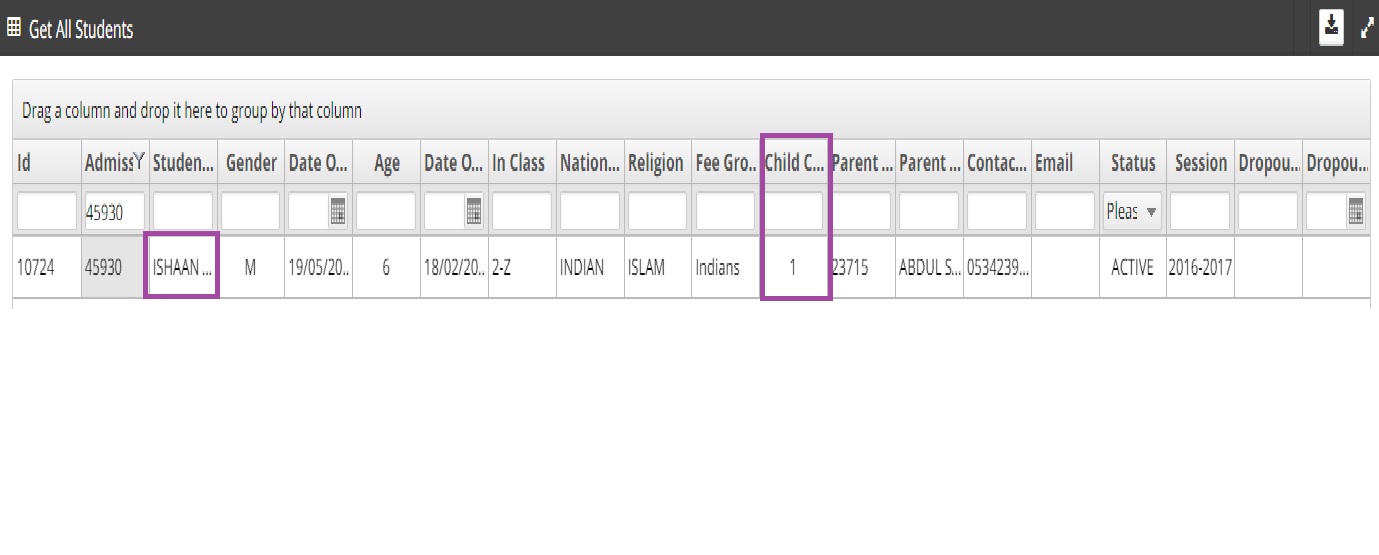
Before issuing TC Rayan ’s child code is 1 and Ishaan’s child code is 2.
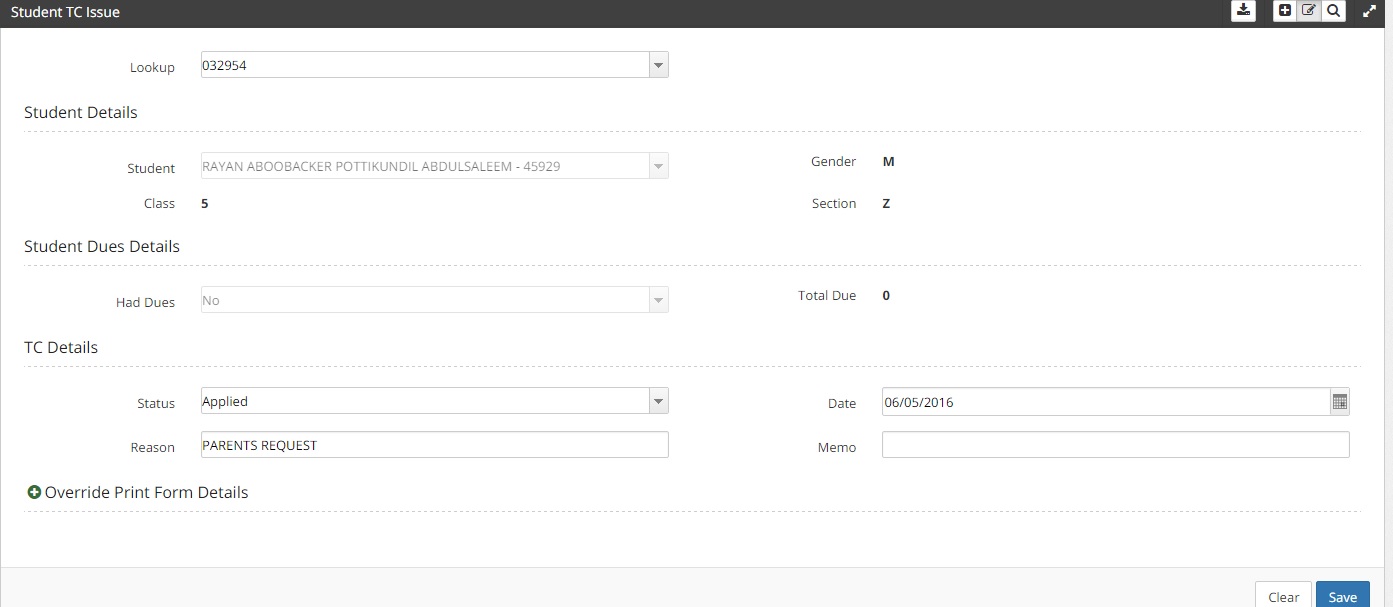
To issue Tc for a student Goto Students-> Student Tc Issue-> Create New. Enter the student name, class, section. Check whether the student has fee dues or not. In total due head balance fee should be empty. If the student has any pending fee to be paid then he/she is not eligible to apply for TC.
Once when the dues are cleared he/she is eligible to apply for TC.
After TC issued to one of the sibling the child code changes. In the below image Rayan had received TC now Ishaan’s child code changes to 1.
SELECTING NEW PARENT
Rayan ’s parent details are given below as in the image.
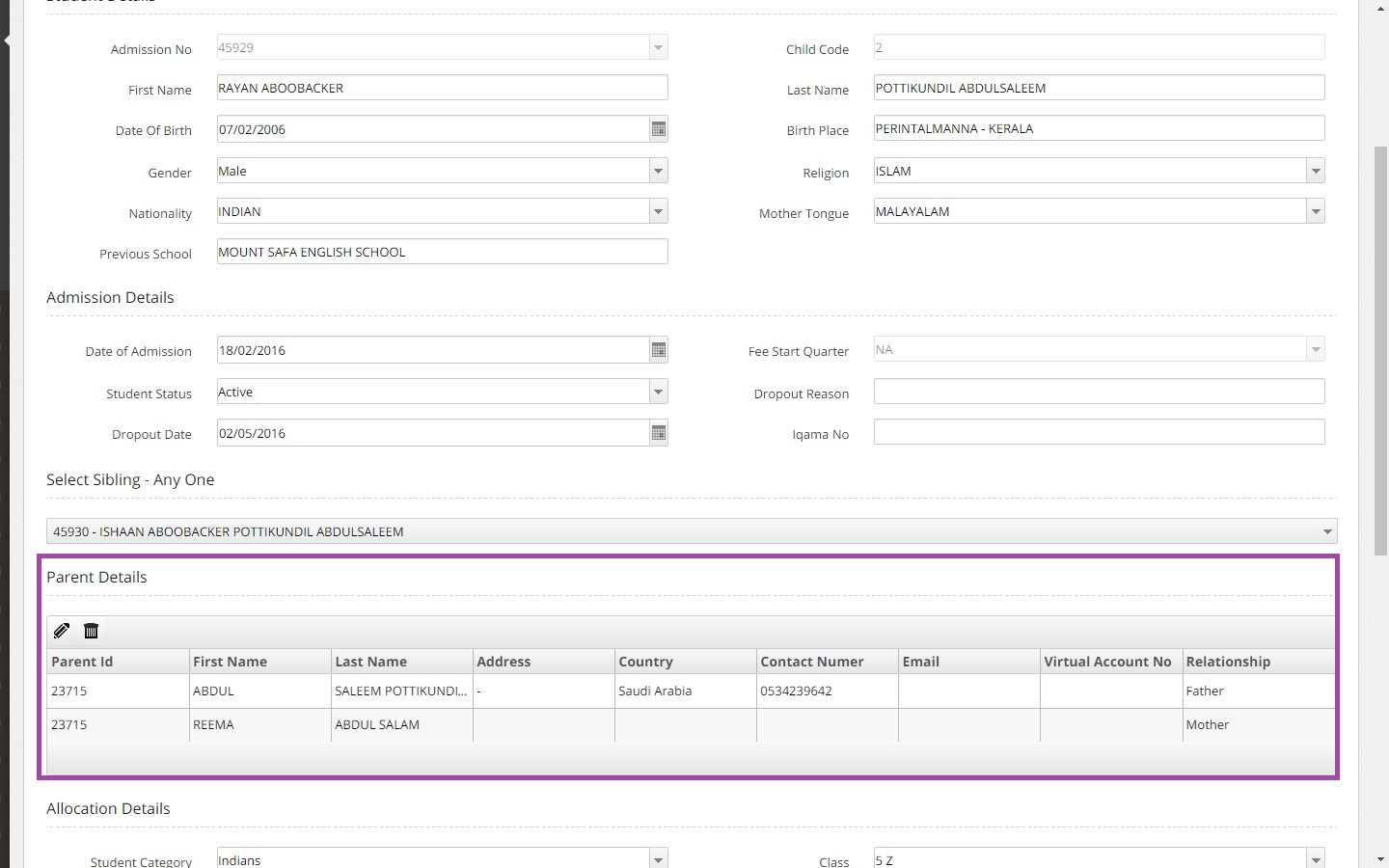
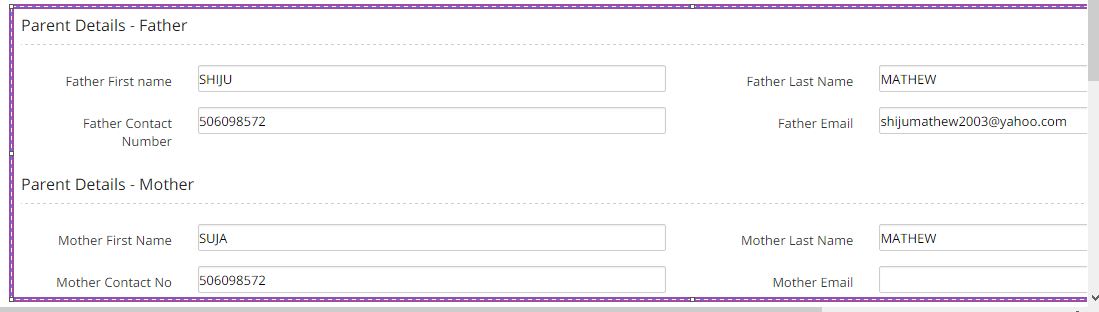
While admission if parent details are entered wrongly then the children related to them will be displayed.Eventually child code changes.
WHAT HAPPENS WHEN TC IS ISSUED TO SIBLING WHO IS EXITING SCHOOL AFTER 12TH STD
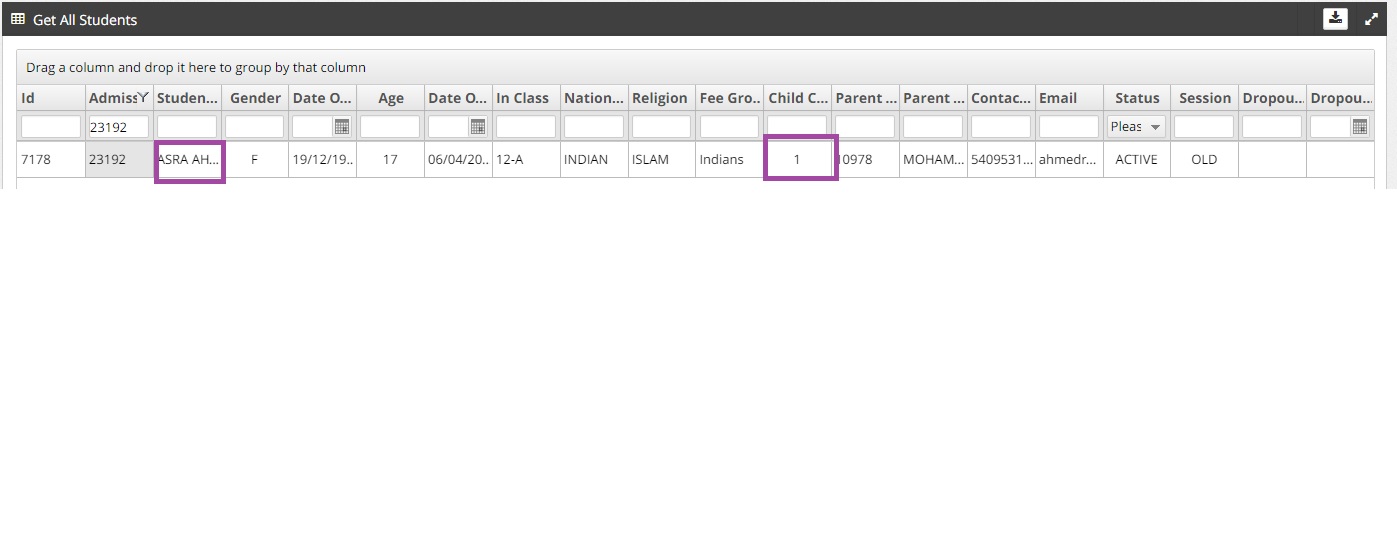
As per the image Asra and Sumera are siblings and both of them are from 12th class.
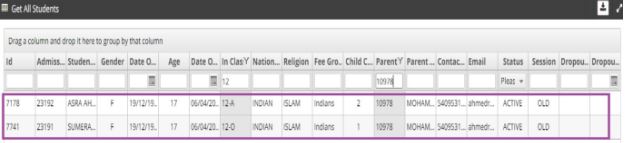
If either of the anyone student is exiting from school then the child code changes immediately once the status changes from Active to Inactive