
Employee Expenses are those amounts paid to employees for official expenses that have been spent / to be spent in the future.
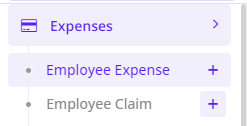
To record an Employee Expense, Goto Expenses>>Employee Expense
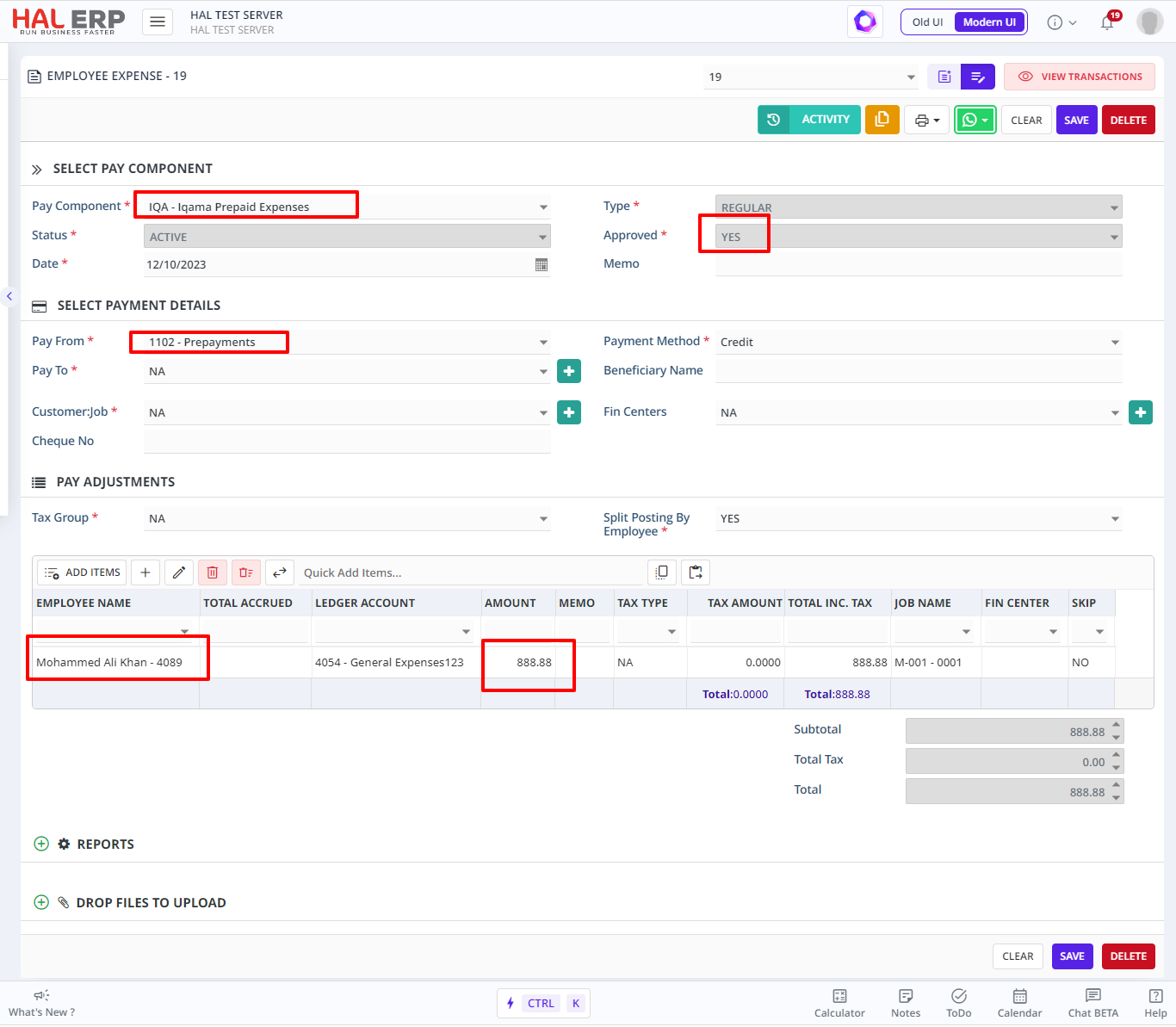
- The Pay component field will list out all the earnings and deduction components that can be selected appropriately based on the purpose of the expense that is being paid for.
- Approval status would show by default "yes", but if there is an approval cycle configured for this transaction, then it would go for approval for the concerned person.
- Pay from field will list the ledger accounts which can be chosen.
- Customer job lists the jobs and it can be chosen if the expense has to be accounted in that particular customer job.
- The fin center field will be auto-populated based on the customer job that is chosen
- In the Add Item Grid, choose the employee/s for whom the expense is being paid.